
如何复制网页CSS
3 个简单步骤提取网页 CSS 和 HTML
安装浏览器插件
从 Chrome Web Store 安装 CSSPicker,这样你在需要复制网页 CSS 时可以随时使用。
选择目标元素
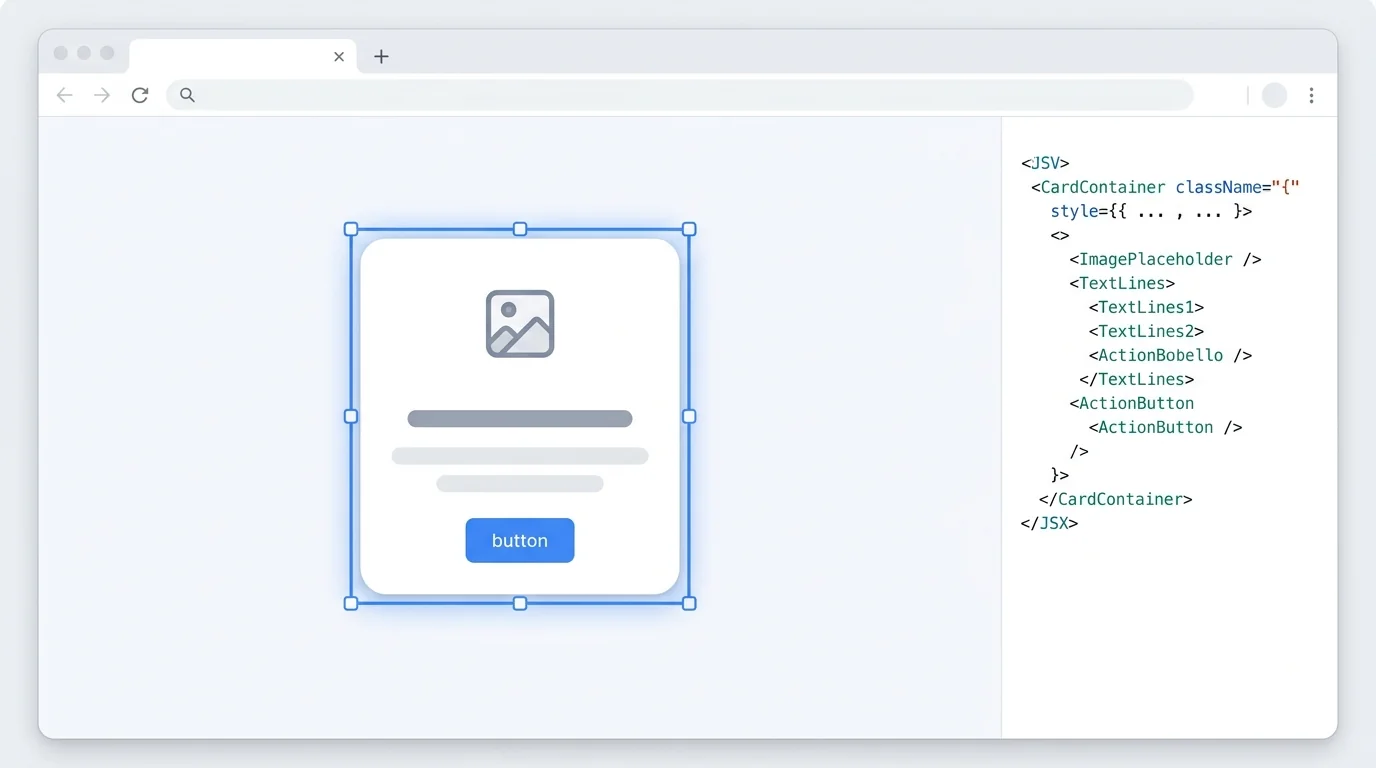
打开插件后,把鼠标移到你想复制的页面区块上,CSSPicker 会准确高亮当前元素。
复制 CSS 和 HTML
复制提取出的样式,保留对应 HTML 结构,或直接转成更适合 React、Tailwind 复用的代码。

为什么用 CSSPicker 复制网页 CSS
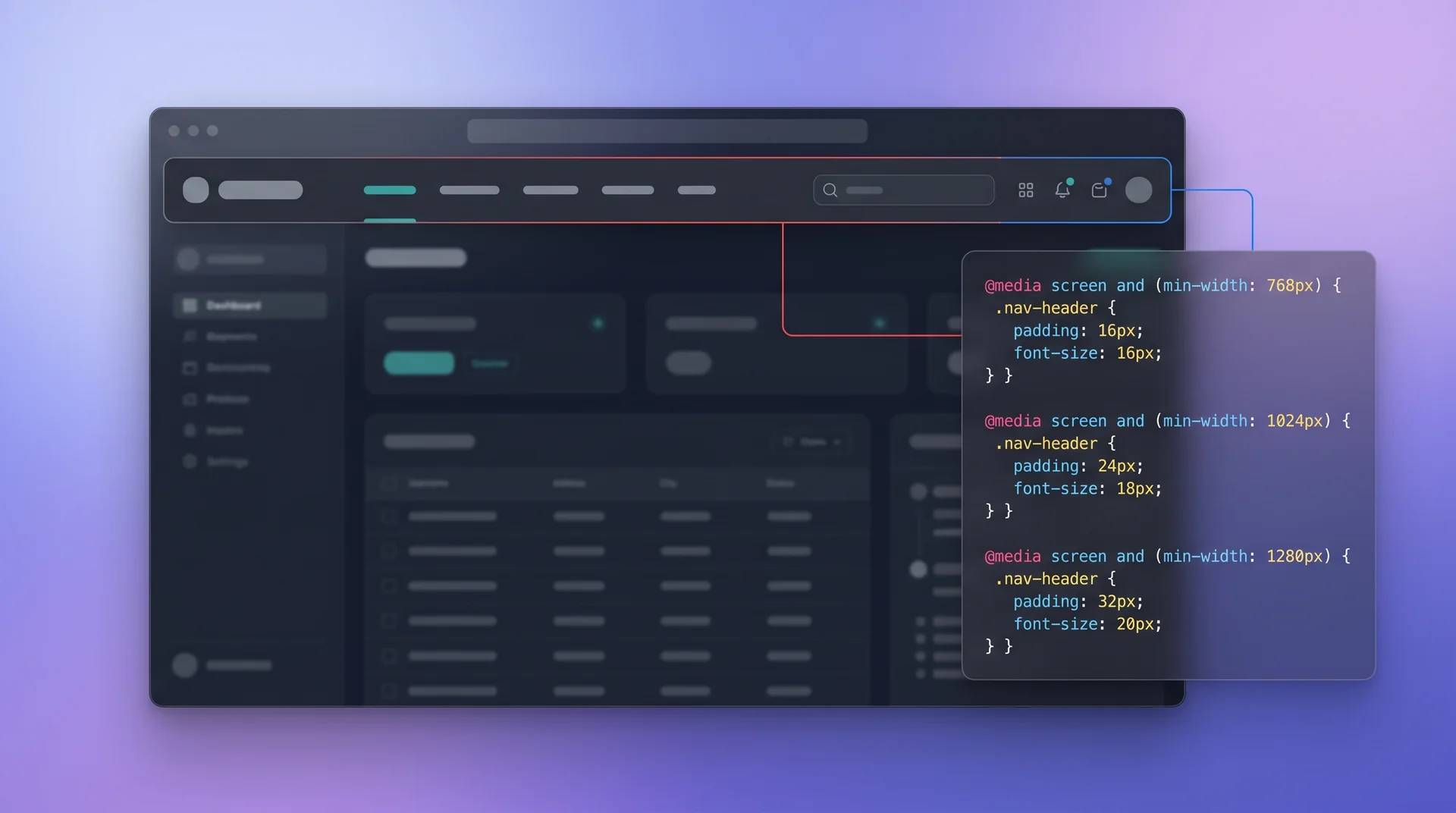
按元素提取真正有用的 CSS
继承规则、状态样式、间距、响应式媒体查询这些真正影响复用效果的内容都能带上,不必把整站样式表一起搬走。
支持复制 iframe 内的 CSS
很多模板站和嵌入式 UI 都放在 iframe 里。CSSPicker 可以提取这些区块的样式,再把复制出的 HTML 和 CSS 继续用于 React、Tailwind 或普通前端代码。
输出更干净,更容易复用
CSSPicker 会帮助你把复制来的 UI 代码整理得更清晰、更容易继续改,减少手动清理别人的页面代码的时间。
常见问题
给想复制网页 CSS、HTML 和 UI 模式的开发者的答案
Explore More
Related Tools & Workflows
Continue from design capture to production frontend code.
CSS Extractor
Extract computed CSS from any website element, download stylesheets, or convert rules to Tailwind.
Image to Code
Turn UI screenshots and mockups into editable HTML, React, and Tailwind CSS with live preview.
Image to HTML
Convert design images into clean semantic HTML and CSS files ready for static or app projects.
CSS to Tailwind Converter
Convert standard CSS rules into Tailwind CSS v3 or v4 utility classes locally in your browser.
Screenshot to Code
Replicate browser captures and product interfaces as structured frontend components.
AI UI Generator
Go from a prompt or design reference to editable React, HTML, and Tailwind component files.